Open History in the dashboard. It lists every file you uploaded, newest first, across all tax years. Type a file or client name and click Search, or click Not printed to see the files whose copies nobody has marked printed. Click Print 1099 on the file's row to download its Copy B again, then click Mark printed.
Key facts
- Where
- History in the dashboard menu
- Covers
- Every upload, all tax years, newest first
- Search
- File name or client name
- Filters
- All files, Not printed, Printed
- Reprint cost
- None once the forms are unlocked
Step by step
Open History
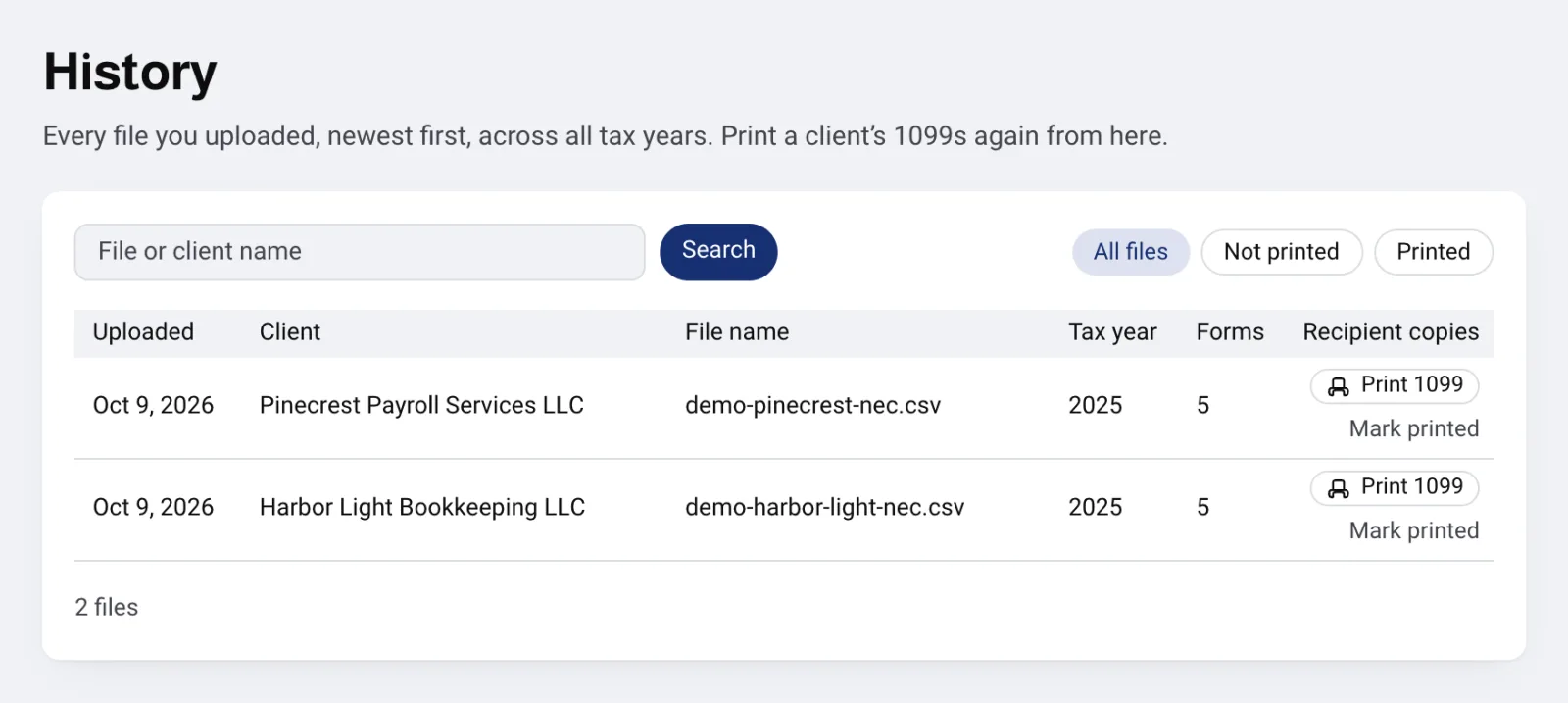
Click History in the dashboard menu. Every file you uploaded is listed, newest first, with the upload date, client, file name, tax year and number of forms. Click Older to see earlier files and Newer to come back.
A file stays here until you delete it from its row in Files. A file with several payers shows one row per client.
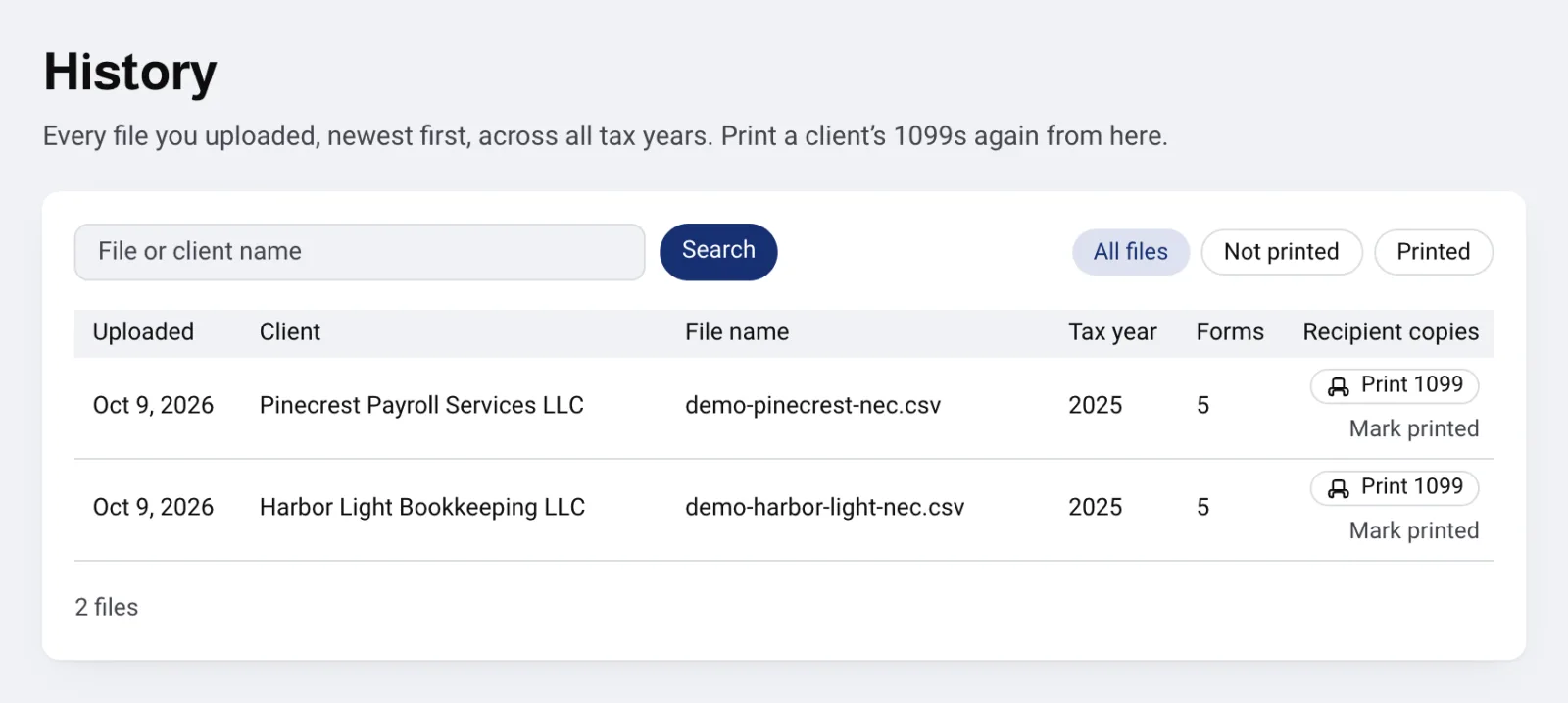
History lists every upload, newest first, with its client, tax year and forms. Open full size Find the file
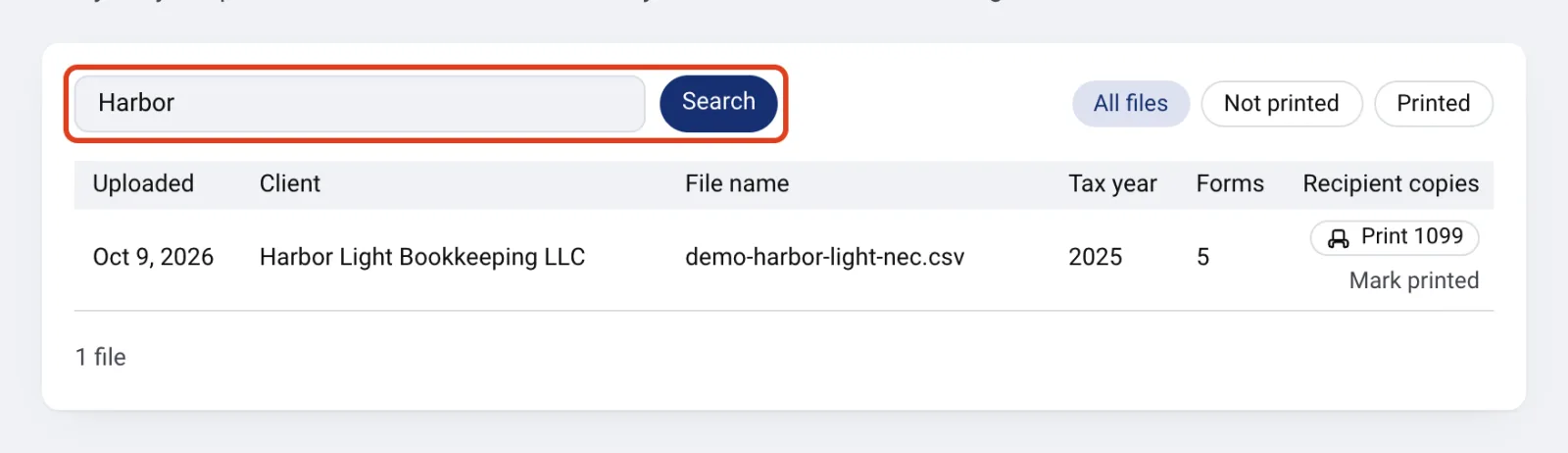
Type part of the file name or the client name and click Search. Click a client name to open that client's files for the tax year.
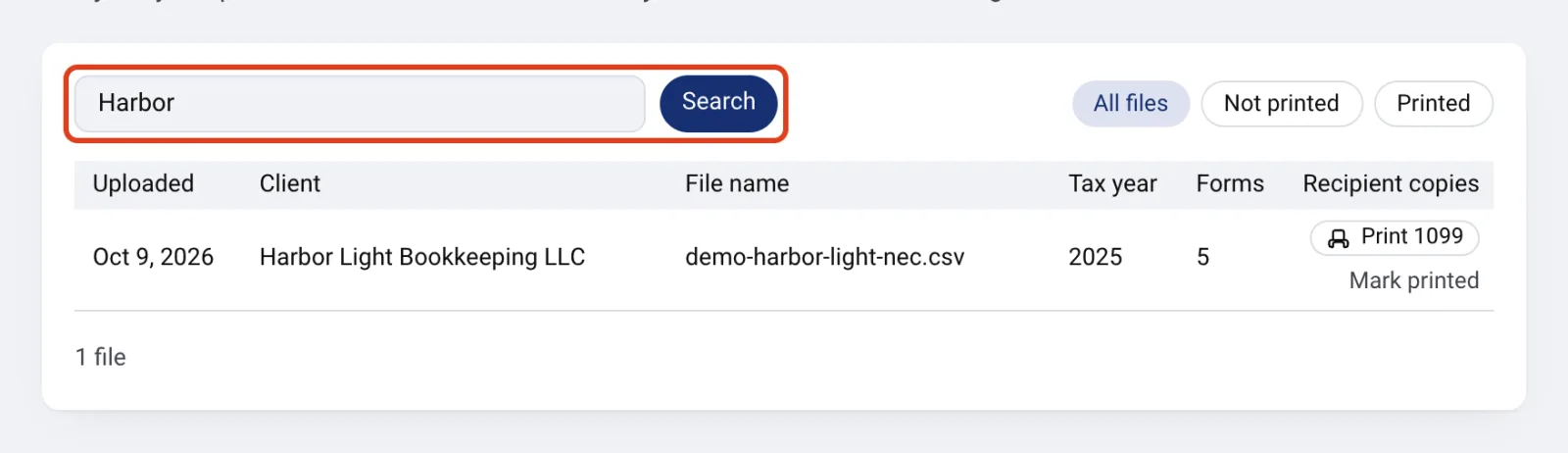
Search by file or client name narrows the list. Open full size Print the recipient copies again
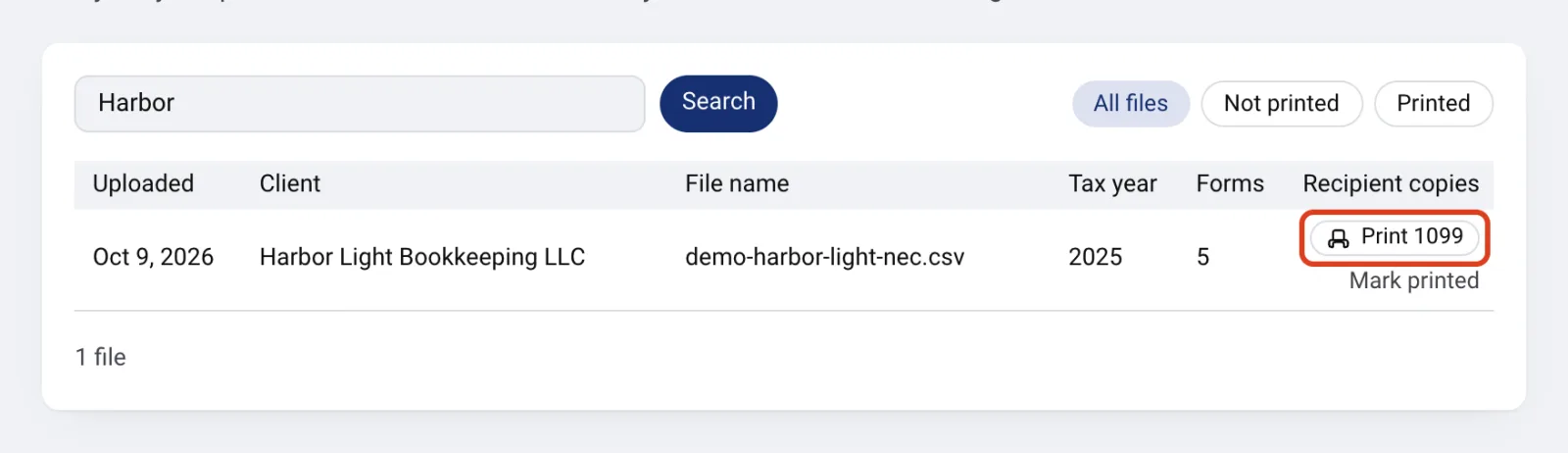
Click Print 1099. It downloads the same Copy B PDF the file produced when it was converted. If the forms are already unlocked, there is no charge.
After you print and mail the copies, click Mark printed. The row then shows Printed and the date.
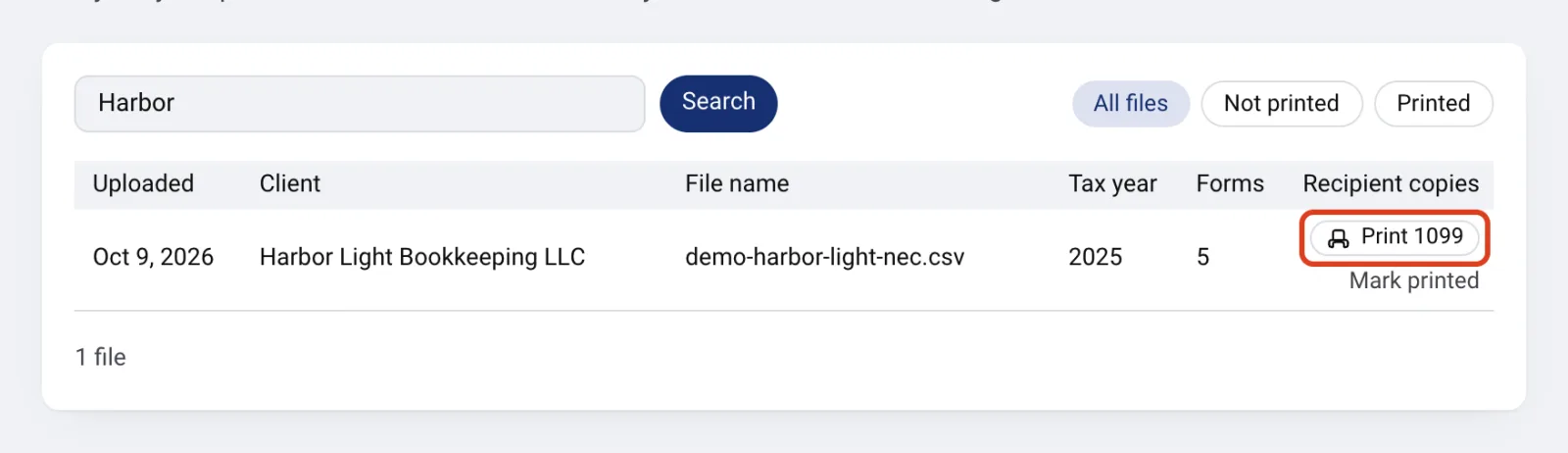
Print 1099 on the row downloads the file's Copy B again. Open full size See what is not printed yet
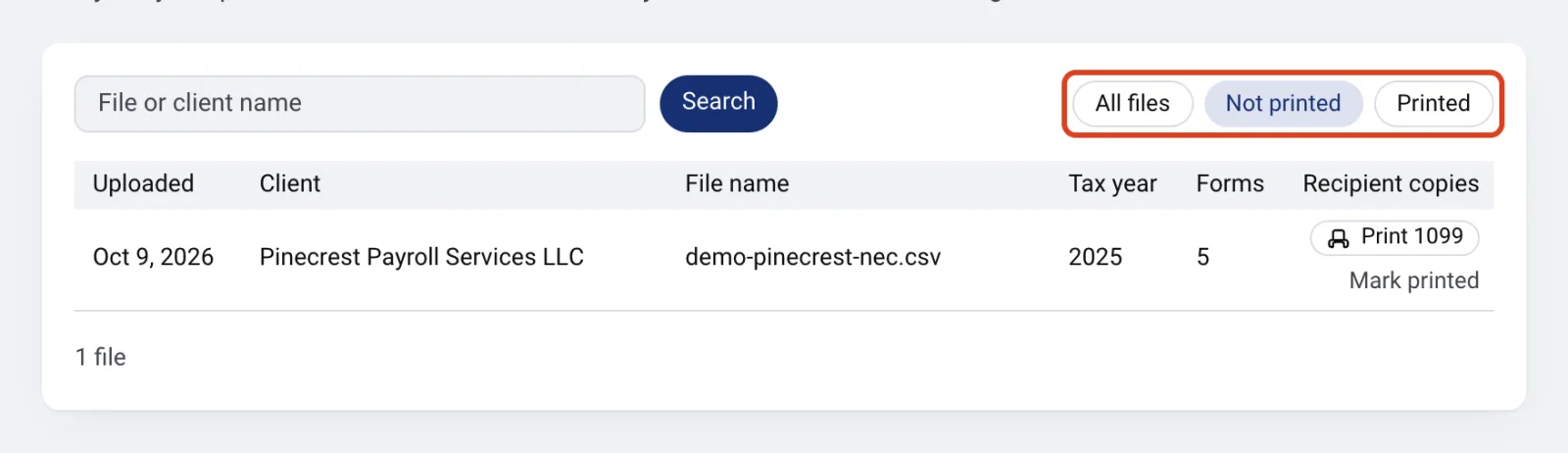
Click Not printed to list the files that have recipient copies nobody has marked printed. Click Printed to list the ones that are done. A search stays in place when you switch filters.
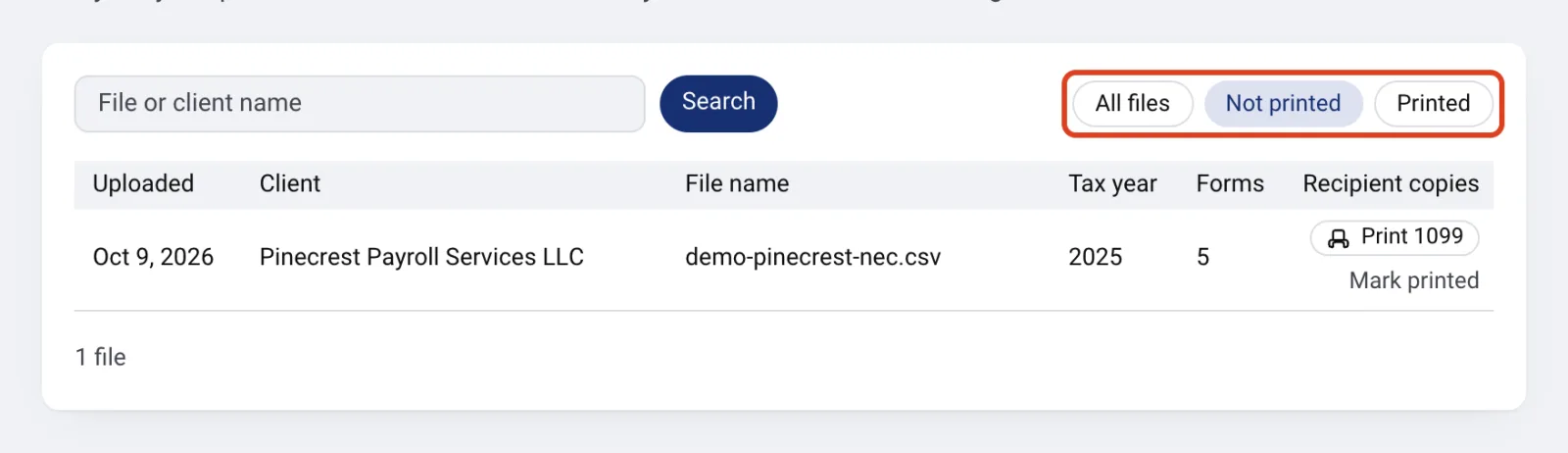
Not printed lists the files whose copies nobody has marked printed yet. Open full size
If something goes wrong
- A row shows a dash instead of Print 1099
- The file has no recipient copies. Copy B covers 1099-NEC and MISC, and a file with validation errors gets no copies. Fix the file and upload it again.
- Print 1099 shows a quote instead of the PDF
- The file's forms are not unlocked yet. Pay in the quote, and Print 1099 downloads the PDF. A form you already paid for is never charged again.
- No files match
- Search looks for the text inside the file name and the client name. Try a shorter part of the name, or click Show all files.
Questions
- Does reprinting cost anything?
- No, once the forms are unlocked. You pay for a form once, and every output for it is included after that. A file whose forms are still locked shows the quote first.
- Can I reprint a file from last tax year?
- Yes. History covers every tax year. Search by the file or client name, or page back with Older.
- Does downloading a PDF mark the file printed?
- No. Click Mark printed after you print and send the copies. Click the Printed date to clear the mark.
- Why does one upload show as several rows?
- A file with more than one payer EIN splits into a separate file per payer, so each client gets its own row and its own Copy B.